
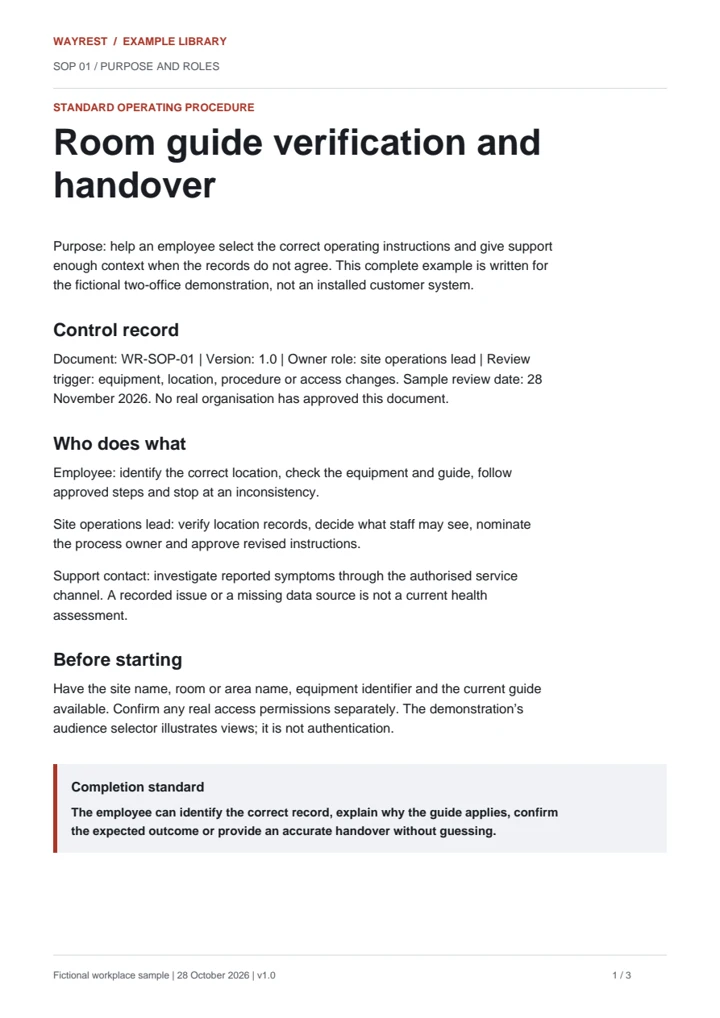
The complete procedure
Purpose, responsibilities, six operating steps, exceptions, approval and change control.

Documentation & staff training
SOPs, employee guides, training manuals and videos built around the way your organisation works. Written, designed and checked with the people who use them.
Commission a single guide or a coordinated set. No software platform or managed IT contract is required.
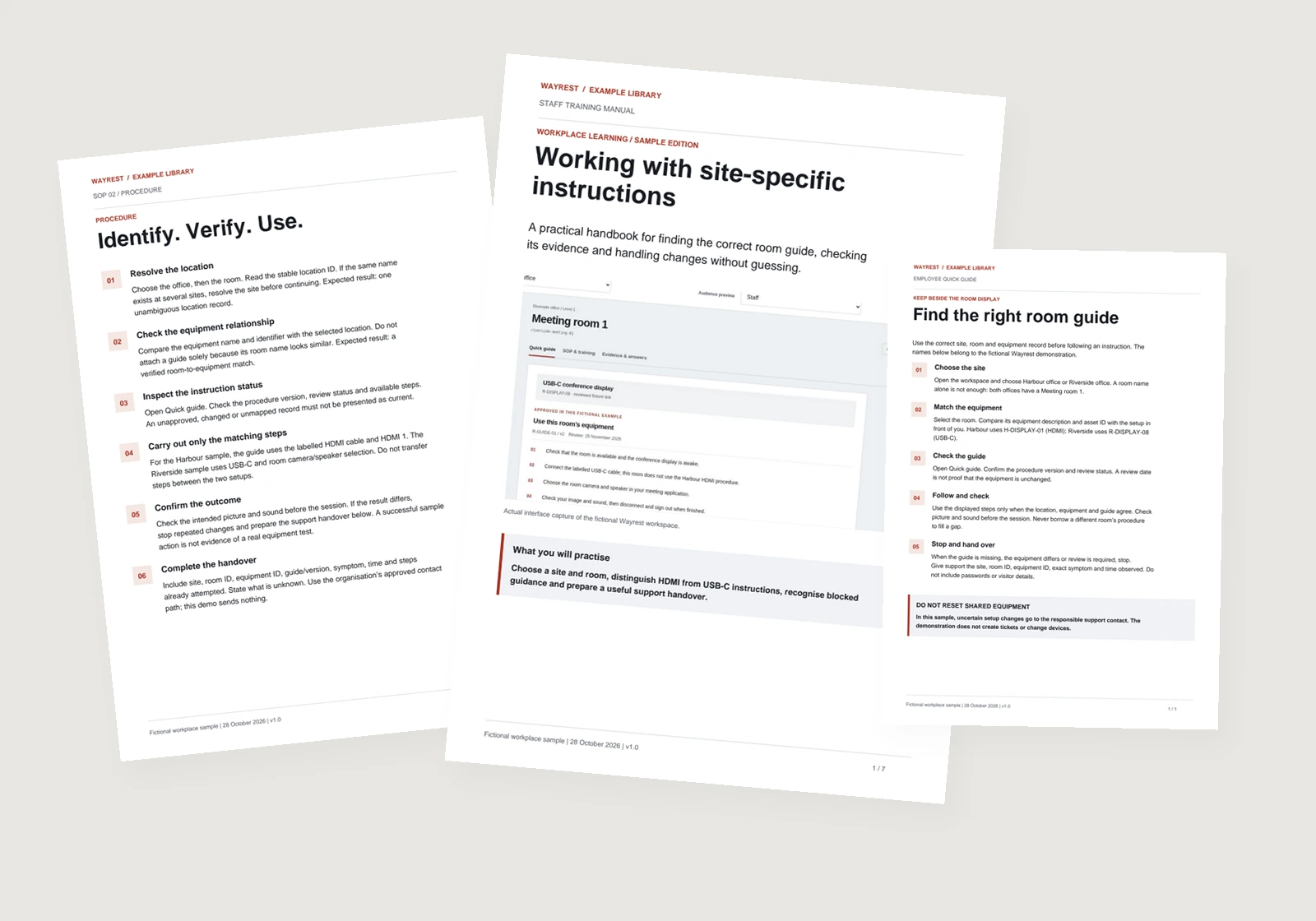
Inside the work / fictional workplace example
The sample teaches staff to find the correct room instructions, check the equipment and recognise when to stop. Each file is complete enough to inspect—not just an outline.
Purpose, responsibilities, six operating steps, exceptions, approval and change control.
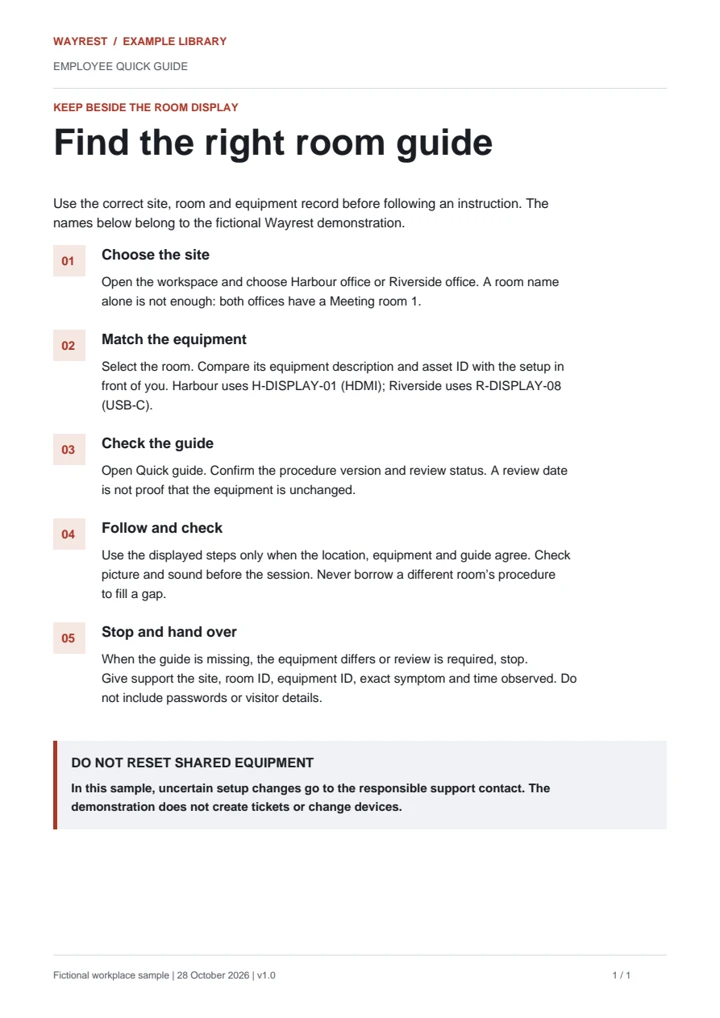
The same process reduced to five actions, the stop condition and a useful support handover.
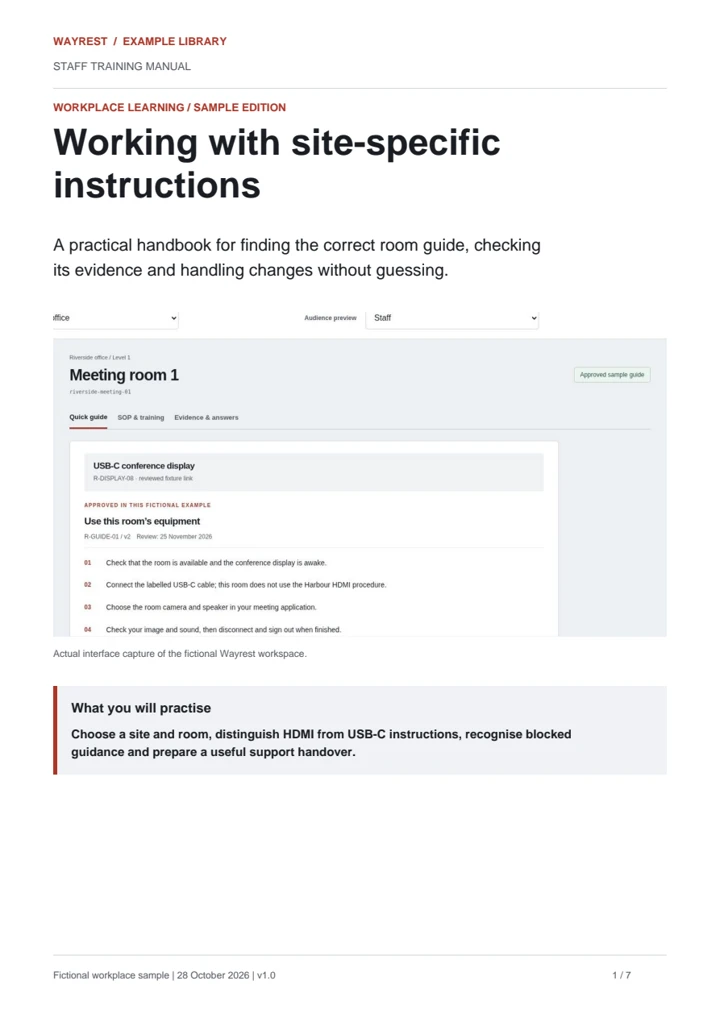
A learning route, interface captures, worked instructions, practice tasks, answer key and completion check.
Original Wayrest samples using fictional offices and equipment records. They demonstrate the deliverables, not a client endorsement or instructions approved for a real workplace.
Watch the finished lesson
A short, captioned screen recording of the same example system. Follow the actual controls from choosing a site to handling outdated instructions.
Silent, captioned screen recording · About one minute · Fictional demonstration, not a client deployment. Customer work can include agreed screen capture, narration, captions and transcripts.
What you can commission
For IT and everyday business processes: onboarding, customer enquiries, quoting, job handovers, internal systems and equipment.
Who does what, in which order, with checks, exceptions and a clear finish.
Short instructions for a specific task, written for the person doing it.
Role-based learning, screenshots, practice tasks, checklists and handover material.
A real task demonstrated clearly, with checked captions and matching written instructions.
Observe the process, identify the audience and agree deliverables, source material, review rounds and price.
Write, design or record the material. Have the responsible owner check the facts and a staff member follow the instructions.
Hand over agreed editable files and exports. Ongoing updates are optional and separately scoped.
Bring an existing procedure, a recording, or simply the task people keep asking about. We will agree the work required—not sell you a compulsory platform.