15-minute video conversation · Phone or onsite meeting by arrangement
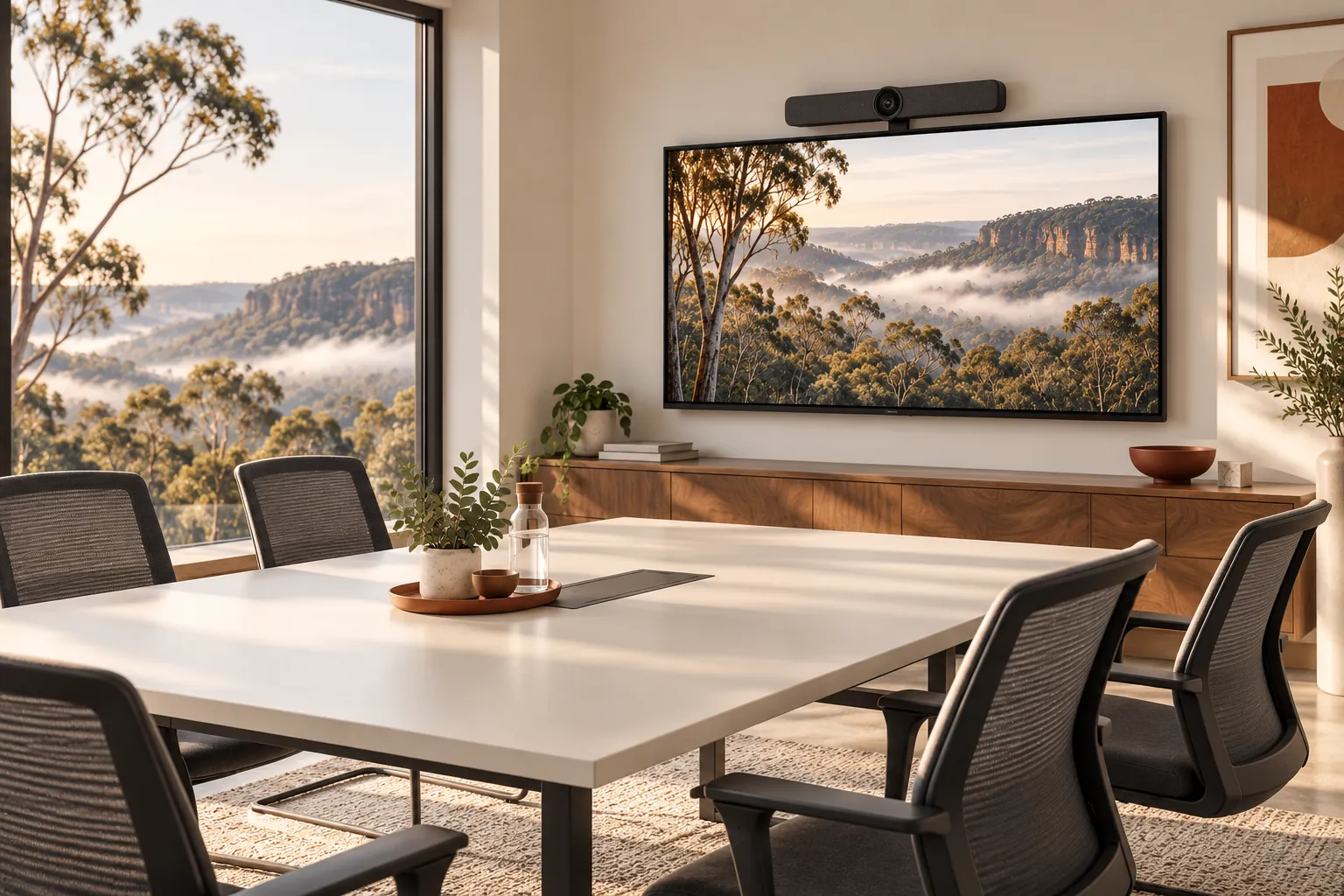
Illustrative technology scene · Wayrest Technology
01 Screens & conferencing
02 Audio & connection checks
03 Simple room instructions
Practical help, clearly scoped
From the first question to a working result.
01
Choose a setup around your meetings
We ask how many people use the room, which meeting platforms you need and whether visitors bring their own laptops. The answer shapes the camera, microphones, speakers, display and connection method. Existing equipment is checked for compatibility before replacements are proposed.
02
Test the whole call, not just the display
A room can show a picture and still be difficult to use. Testing covers joining a call, hearing remote participants, microphone pickup and screen sharing from the agreed devices. Network limitations and acoustic problems are identified separately from equipment configuration.
03
Leave a clear way to use the room
A short room guide explains the normal start-up steps, how to share a screen and where to get help. We label agreed connections and document the equipment. Staff can work through a familiar sequence rather than experimenting at the start of every meeting.
04
Scope physical installation properly
Wall mounting, electrical work and fixed cabling can require specialist installers. We coordinate the technical requirements and identify those costs before work is booked. Room construction, acoustic treatment and specialist AV systems are assessed separately.
Before we talk
A little context helps us get started.
You do not need a technical assessment before making contact. Share what you know; we
can work through the gaps together.
Room size, seating layout and photos if available
The meeting platforms and laptops your team uses
Existing screens, cameras and audio equipment
Any mounting, cabling or building access requirements
Often, depending on its inputs, size, condition and intended use. We check compatibility and practical limitations before recommending new equipment.
Can one room support Teams, Zoom and Google Meet? +
That may be possible, but the right design depends on the hardware, accounts and how meetings are joined. We confirm the required platforms and test the agreed combinations.
Do you fix echo and poor microphone pickup? +
We can investigate device settings, placement and the room environment. Some acoustic problems require room changes or specialist advice beyond software configuration.
Can staff bring their own laptops? +
A bring-your-own-device room can be planned around compatible connections and supported operating systems. The supported use cases are agreed and tested.
Is wall mounting included? +
Only if expressly quoted and arranged with suitable installers. Mounting, power and fixed cabling requirements are confirmed before equipment is installed.
Will you show staff how it works? +
An agreed handover can include a demonstration and concise room instructions. Ongoing support can be discussed as part of your wider IT arrangement.
A straightforward next step
Tell us what needs to work better.
We will discuss the setup, the problem and the right next step before proposing work.