
Set up a new device
Get a computer or phone ready, connect accounts and peripherals, and work through the everyday settings that matter to you.

Home IT support
From a new laptop to a printer that will not connect, get practical help with the devices you use every day.
Newcastle & Lake Macquarie · Home visits by arrangement · Remote help where suitable
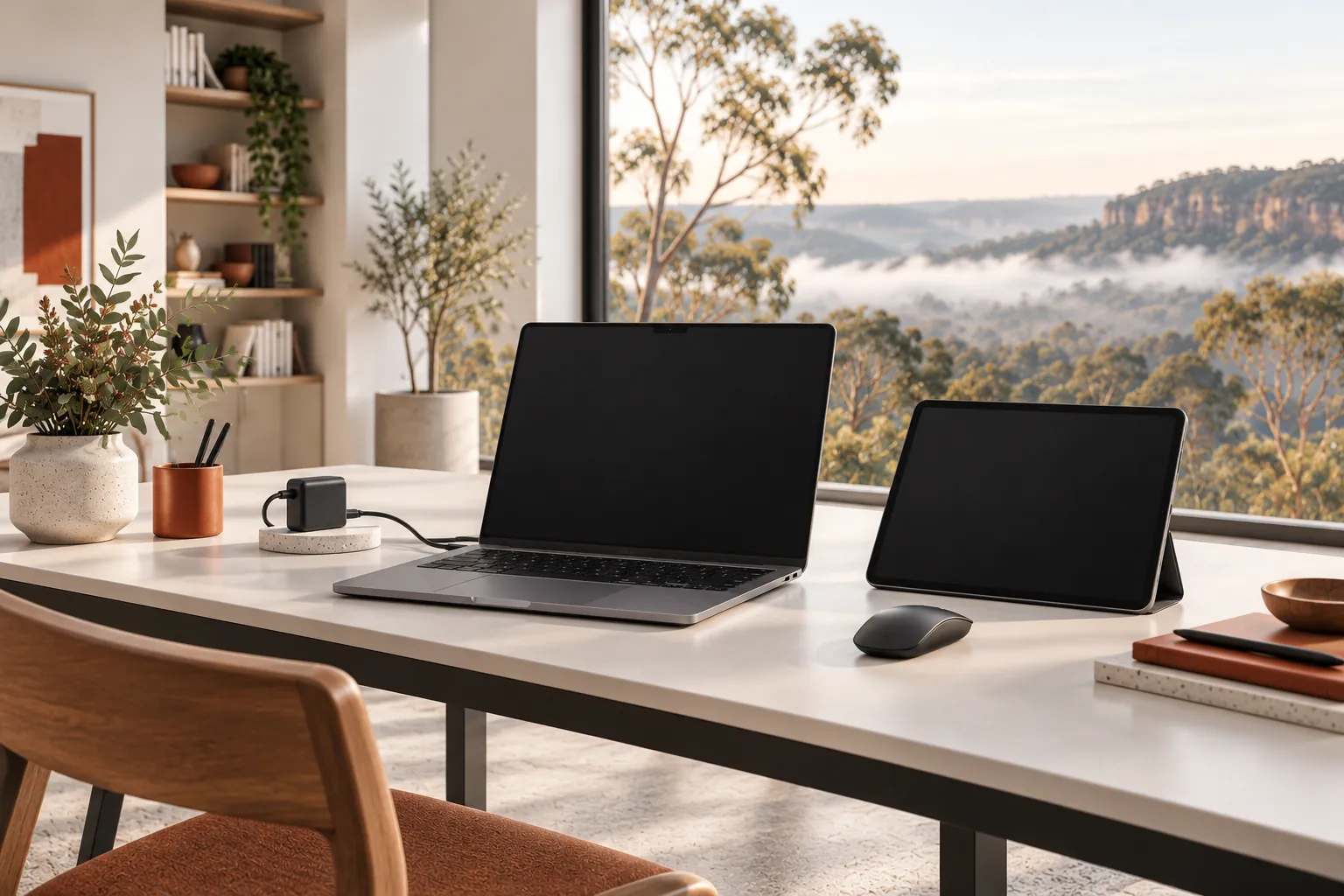
Practical help, clearly explained
Get a computer or phone ready, connect accounts and peripherals, and work through the everyday settings that matter to you.
We can look at software, email, updates, printing and performance, explain what we find and agree the next step.
Discuss a suitable backup and transfer before changing devices. We check access and agree what can be moved before starting.
Before we talk
Share what you know. You do not need to diagnose the problem yourself.
Home visits can be arranged in Newcastle, Lake Macquarie and nearby areas, subject to availability and travel being agreed. Some issues may be suitable for remote help.
We can discuss diagnosis and refer specialist electronics or component-level repairs where appropriate.
No. Recovery depends on the fault and condition of the storage. We discuss risks and refer specialist recovery where appropriate.
More ways we can help
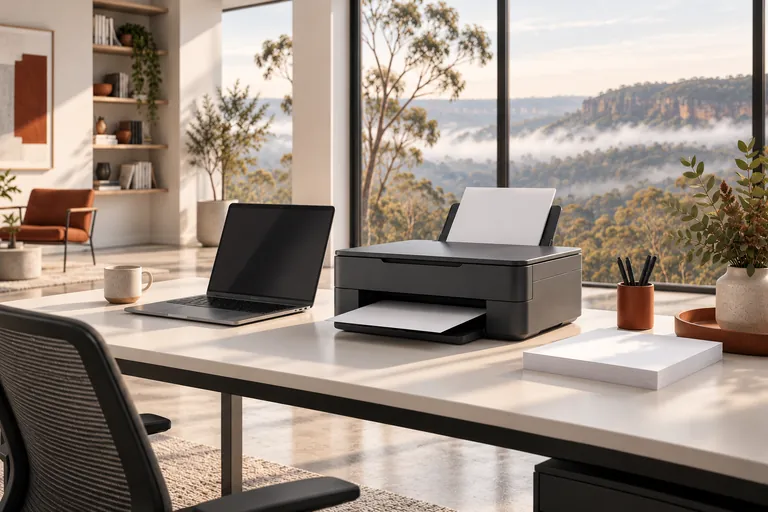
Printer not connecting, scanning or printing properly? Get help setting it up and finding the cause.
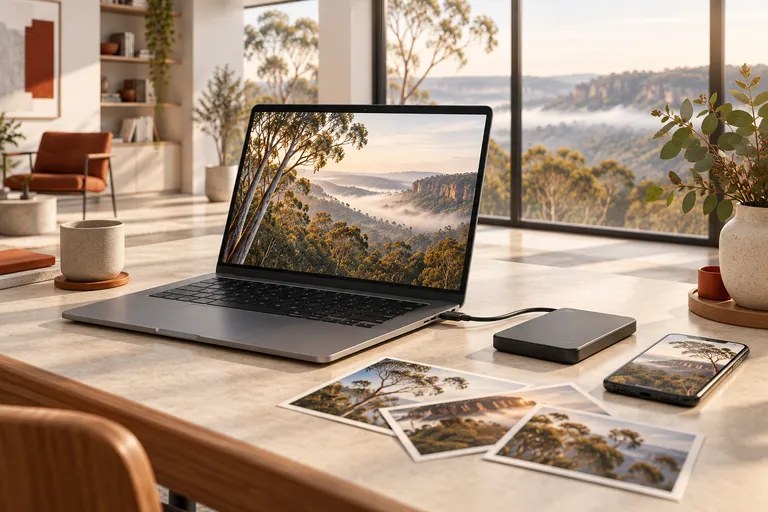
Keep important photos and documents organised and make a plan before moving to a new device.
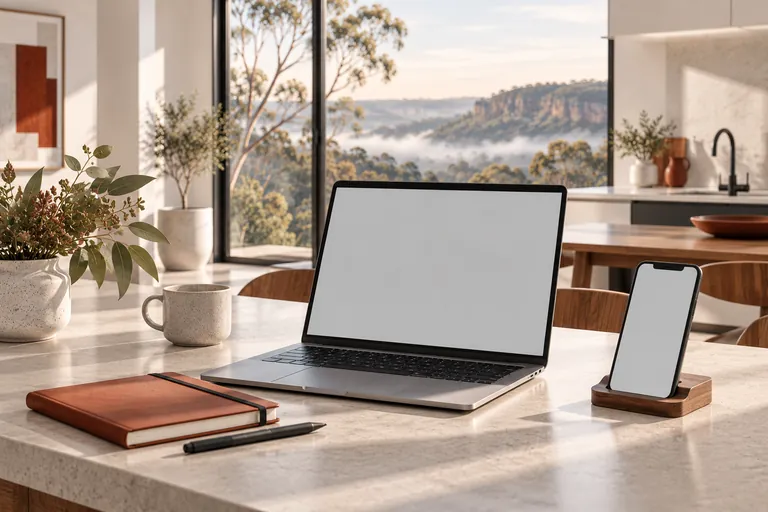
Get help with email that will not sync, a new account setup or confusing sign-in and recovery steps.
A straightforward next step
We will talk through the problem, the options and the cost before agreeing to work.