
Find where the problem starts
Discuss coverage, device behaviour, router placement and the internet connection to narrow down likely causes before recommending changes.

Home IT support
Reliable Wi-Fi makes work, study and everyday life easier. We can help find the weak points and set up a network that suits your home.
Newcastle & Lake Macquarie · Home visits by arrangement · Remote help where suitable

Practical help, clearly explained
Discuss coverage, device behaviour, router placement and the internet connection to narrow down likely causes before recommending changes.
Configure suitable routers or mesh equipment, connect devices and review wireless security and guest access where supported.
If the issue appears to involve your internet service, we can help you understand what to report and discuss coordination with your provider.
Before we talk
Share what you know. You do not need to diagnose the problem yourself.
Not necessarily. Connection quality, placement, building materials, device capability and the provider’s service can all matter. We discuss options after investigating.
Fixed telecommunications cabling may require a registered cabler. We can discuss the layout and help coordinate an appropriately registered professional.
Yes. We can discuss Wi-Fi, a dock, monitors, printer and video-call setup, subject to the agreed scope.
More ways we can help
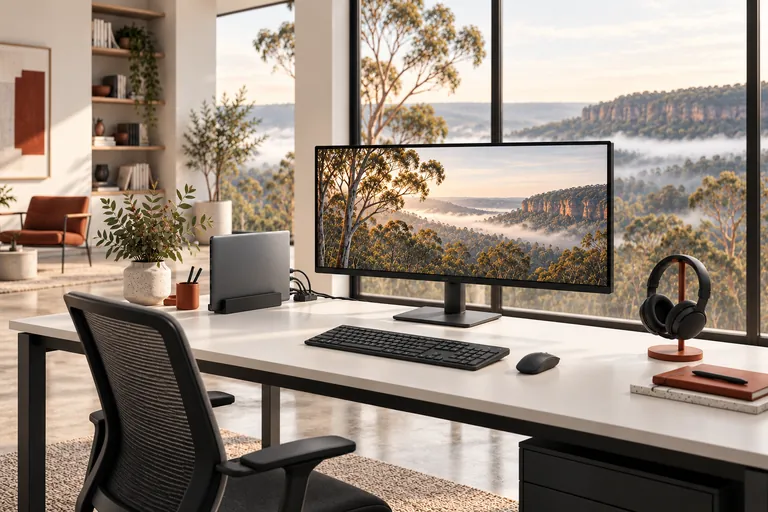
Make your home office easier to use, from connecting a new monitor to checking your video-call setup.

Get your TV, streaming device or smart speaker connected and make the everyday controls easier to use.
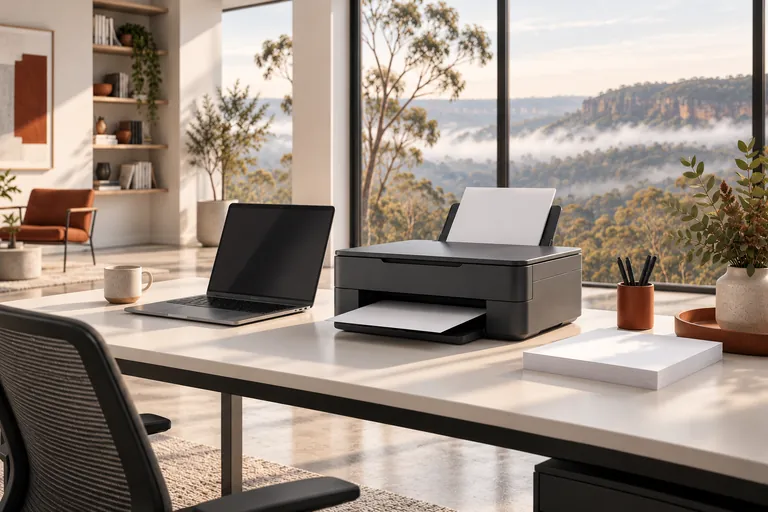
Printer not connecting, scanning or printing properly? Get help setting it up and finding the cause.
A straightforward next step
We will talk through the problem, the options and the cost before agreeing to work.