
Connect and set up
Connect compatible devices to your network and help with standard app, account and display settings.

Home IT support
Get your TV, streaming device or smart speaker connected and make the everyday controls easier to use.
Newcastle & Lake Macquarie · Home visits by arrangement · Remote help where suitable
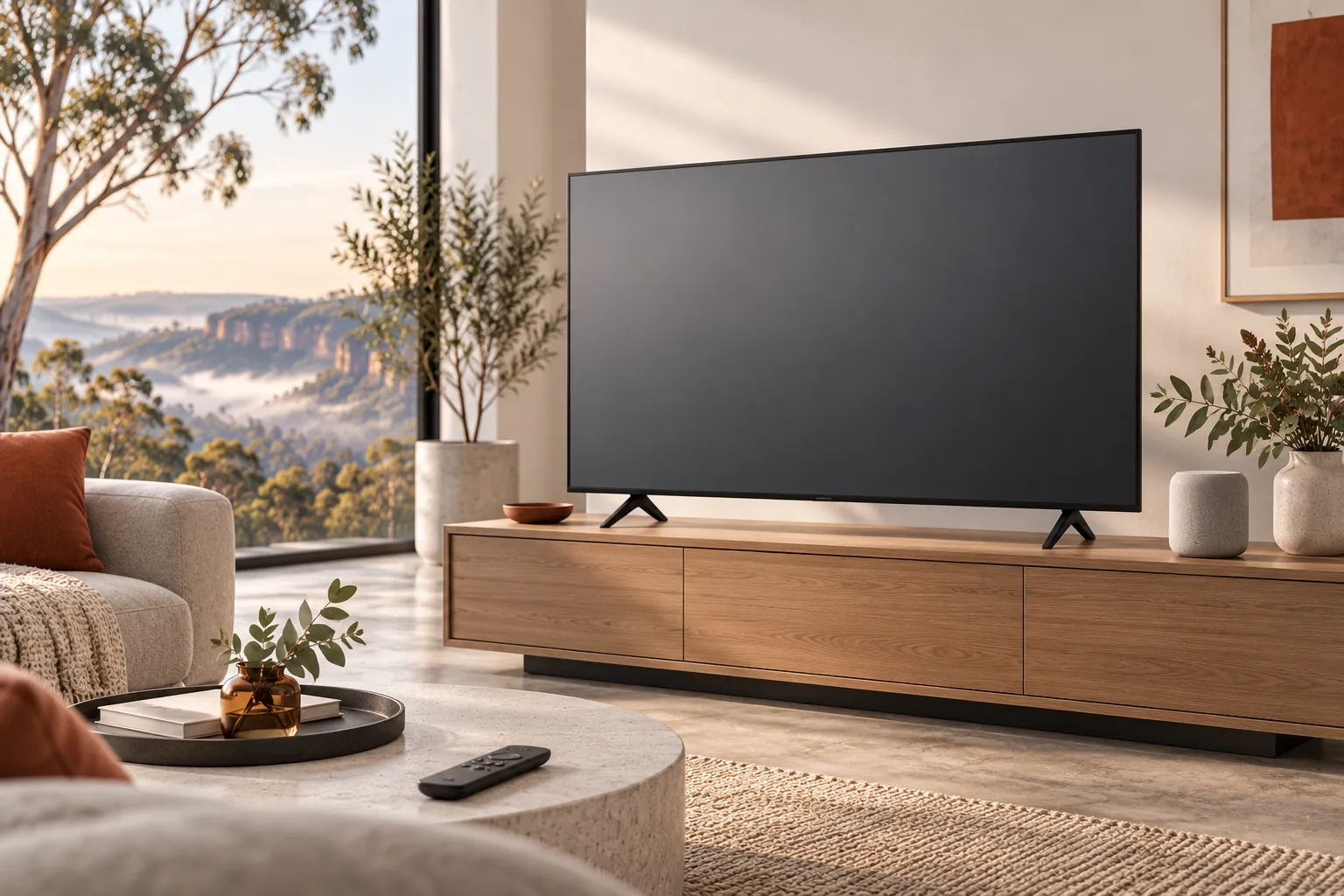
Practical help, clearly explained
Connect compatible devices to your network and help with standard app, account and display settings.
Discuss streaming, speakers and simple smart-home routines, subject to compatibility and the equipment you have.
Test the agreed functions and show you how to use the remote, app or voice controls.
Before we talk
Share what you know. You do not need to diagnose the problem yourself.
We can discuss setup and connections. Wall mounting, electrical work and fixed cabling require a suitably qualified provider where applicable.
We can help you sign in or understand your options. Subscription costs and account decisions remain yours.
Not necessarily. Compatibility depends on the products, network and services; we check before agreeing to a setup.
More ways we can help
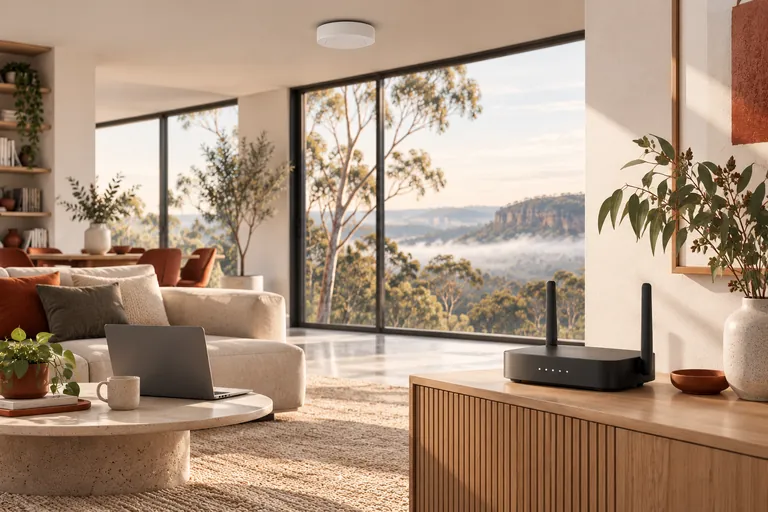
Reliable Wi-Fi makes work, study and everyday life easier. We can help find the weak points and set up a network that suits your home.
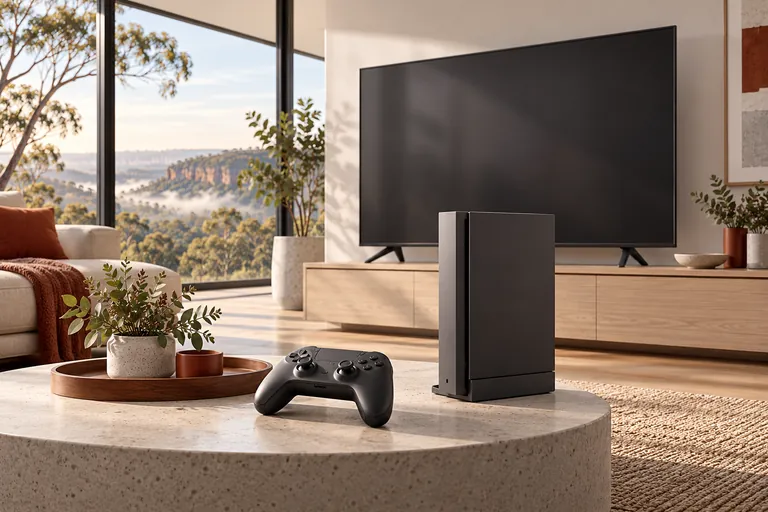
Get a console connected to your TV and network, and work through common setup and sign-in problems.
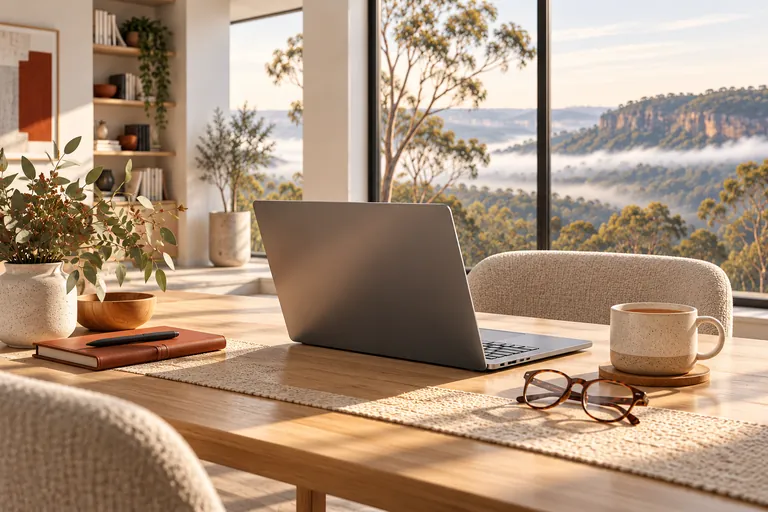
A patient person to sit with you, explain the steps and help make your phone, computer or tablet easier to use.
A straightforward next step
We will talk through the problem, the options and the cost before agreeing to work.