
Connect and update
Set up compatible console, display and network connections, and check ordinary updates and account sign-in.

Home IT support
Get a console connected to your TV and network, and work through common setup and sign-in problems.
Newcastle & Lake Macquarie · Home visits by arrangement · Remote help where suitable
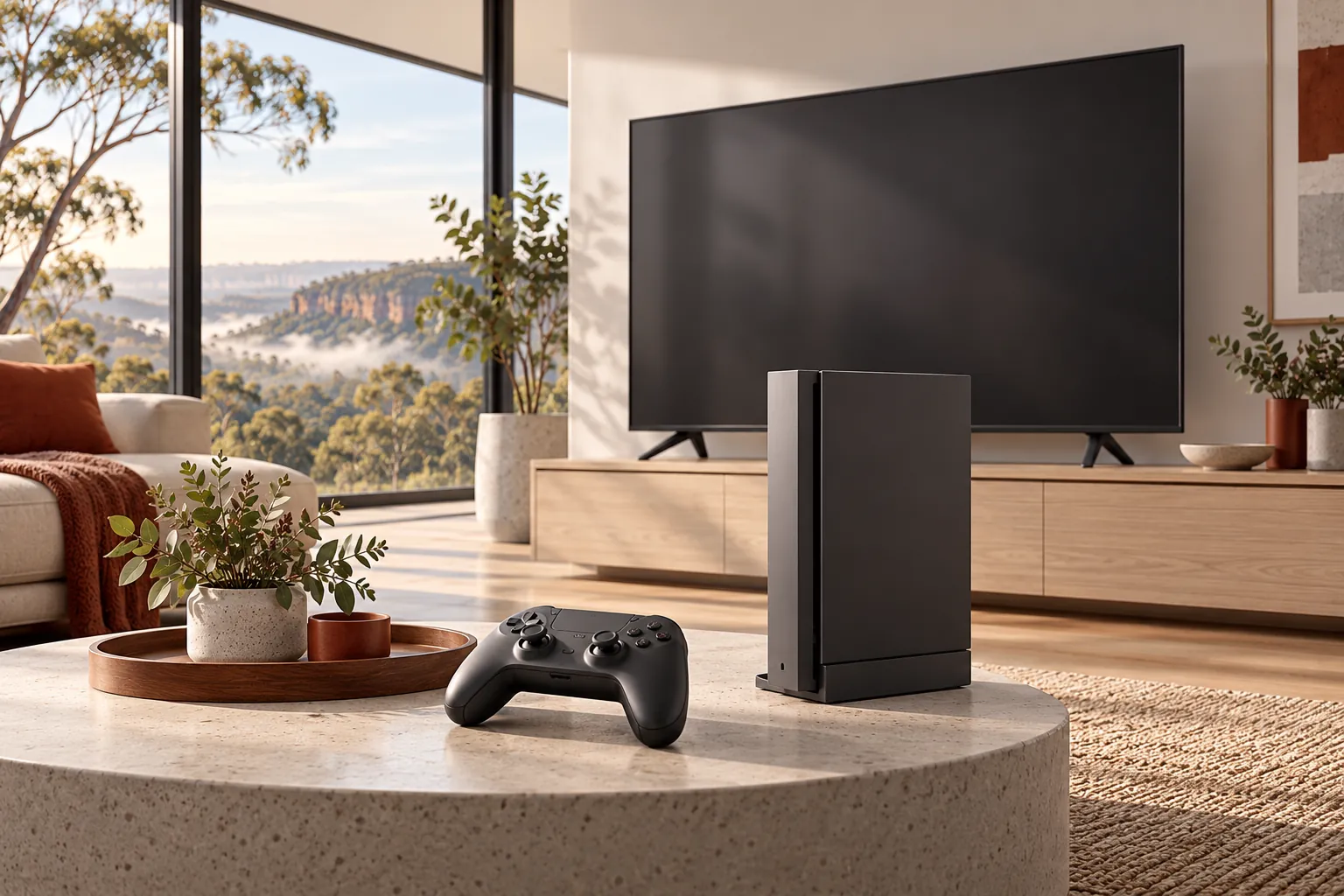
Practical help, clearly explained
Set up compatible console, display and network connections, and check ordinary updates and account sign-in.
Investigate common Wi-Fi and local network problems; online service outages and internet-provider issues may need their own support.
Discuss appropriate family settings, storage and accessories with the device owner or parent.
Before we talk
Share what you know. You do not need to diagnose the problem yourself.
No. Performance depends on the network, internet provider, game servers and other factors. We can investigate and discuss practical improvements.
Internal electronics and component-level repairs are referred to a suitable specialist where needed.
We can discuss and configure supported built-in settings together; features and effectiveness vary by platform.
More ways we can help
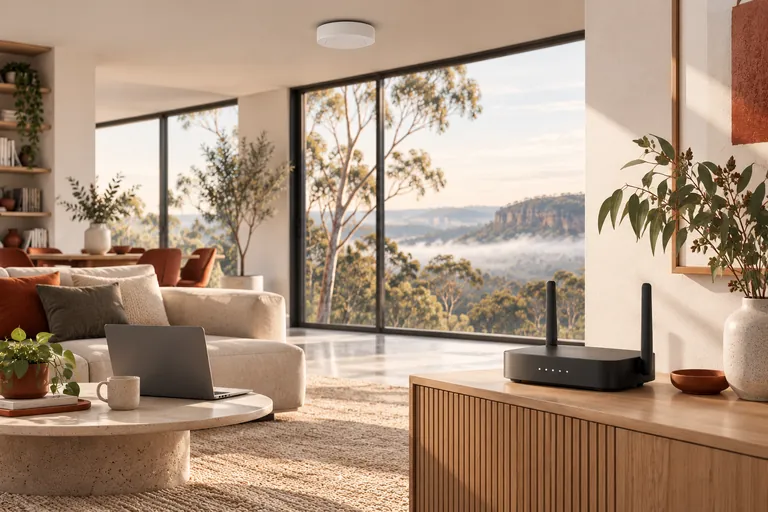
Reliable Wi-Fi makes work, study and everyday life easier. We can help find the weak points and set up a network that suits your home.
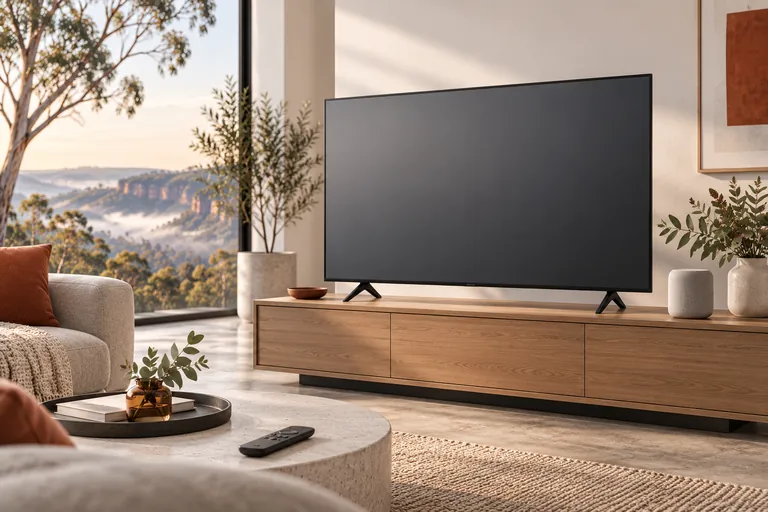
Get your TV, streaming device or smart speaker connected and make the everyday controls easier to use.
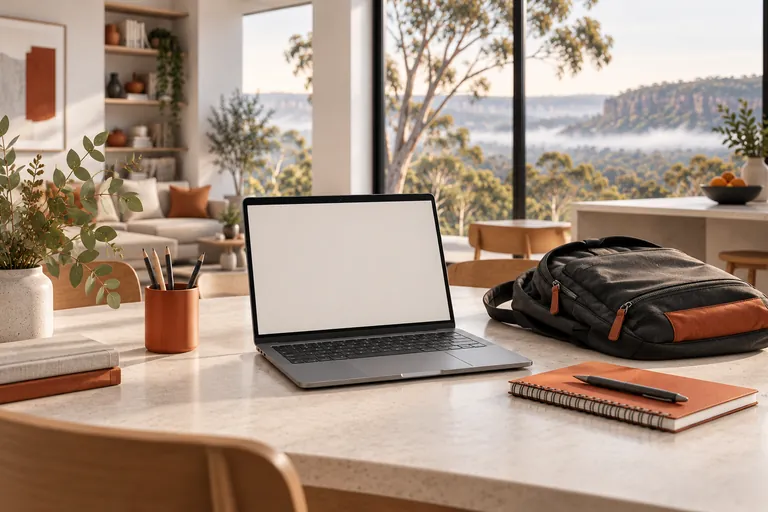
Make school technology easier to use at home, from getting a laptop connected to finding the right place to ask for help.
A straightforward next step
We will talk through the problem, the options and the cost before agreeing to work.