
Connect the equipment
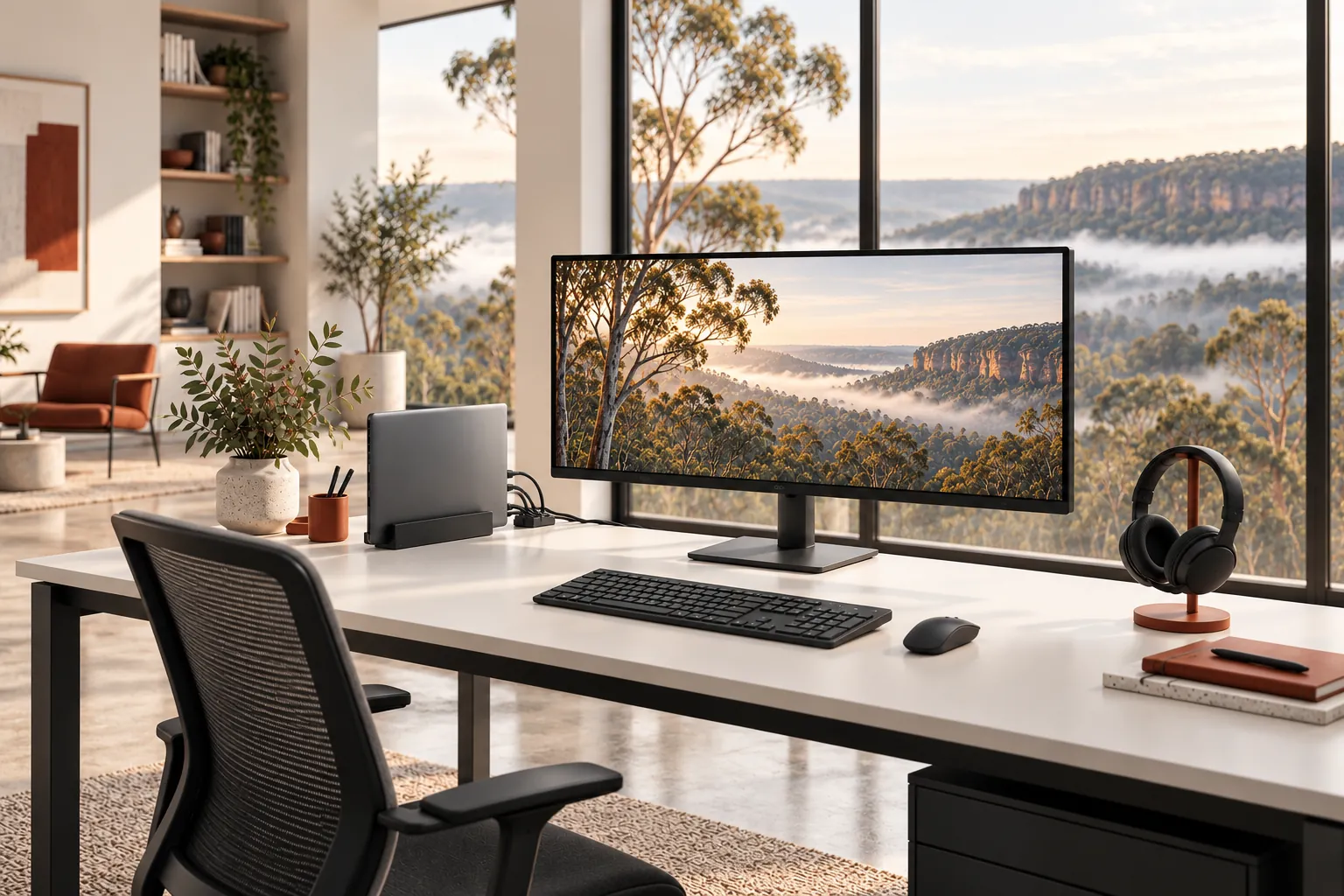
Set up compatible monitors, docks, keyboards, webcams, headsets and printers and check the physical connections.

Home IT support
Make your home office easier to use, from connecting a new monitor to checking your video-call setup.
Newcastle & Lake Macquarie · Home visits by arrangement · Remote help where suitable
Practical help, clearly explained
Set up compatible monitors, docks, keyboards, webcams, headsets and printers and check the physical connections.
Test camera, microphone, speakers and basic video-call settings together, and investigate common connection problems.
For an employer-managed device or account, follow the employer’s policies and involve its IT team where approval or administrative access is needed.
Before we talk
Share what you know. You do not need to diagnose the problem yourself.
Where your employer permits it. Managed settings, security controls and business account access remain subject to the employer’s IT policies.
We can discuss suitable options and costs before any purchase; equipment is not included unless explicitly agreed.
Yes. Home network setup or troubleshooting can be discussed as part of the scope.
More ways we can help

Reliable Wi-Fi makes work, study and everyday life easier. We can help find the weak points and set up a network that suits your home.
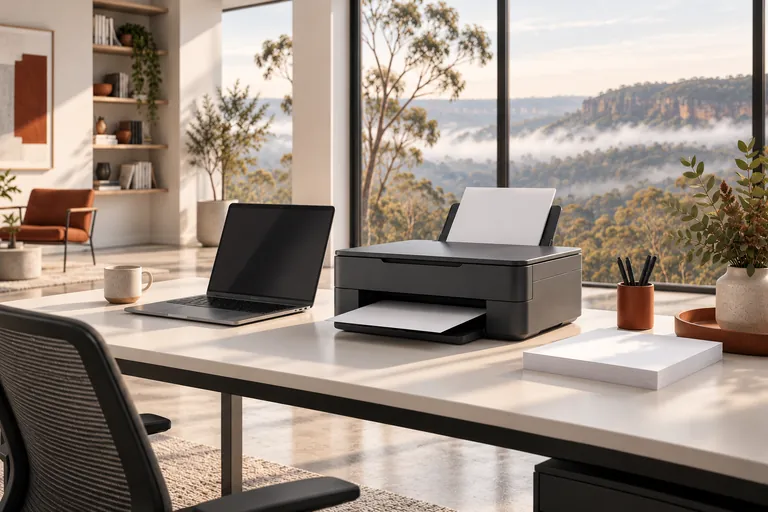
Printer not connecting, scanning or printing properly? Get help setting it up and finding the cause.
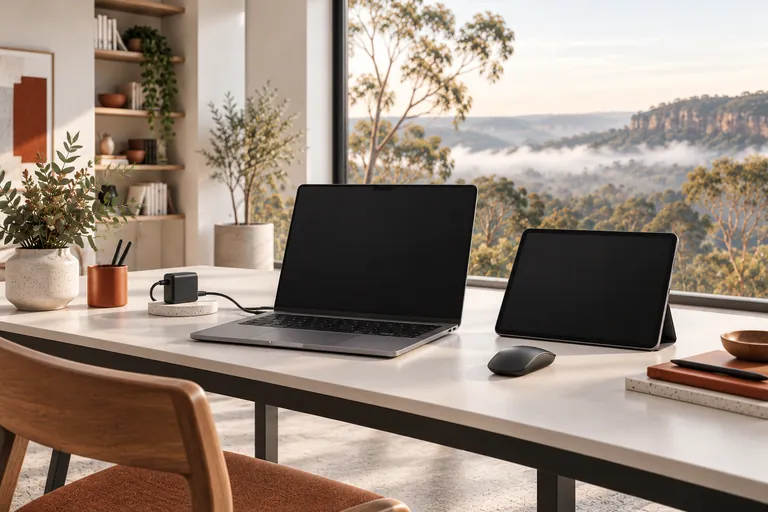
From a new laptop to a printer that will not connect, get practical help with the devices you use every day.
A straightforward next step
We will talk through the problem, the options and the cost before agreeing to work.