
Understand what matters
Identify the photos, documents, contacts and other information you want to protect or move, and check where it is currently stored.

Home IT support
Keep important photos and documents organised and make a plan before moving to a new device.
Newcastle & Lake Macquarie · Home visits by arrangement · Remote help where suitable
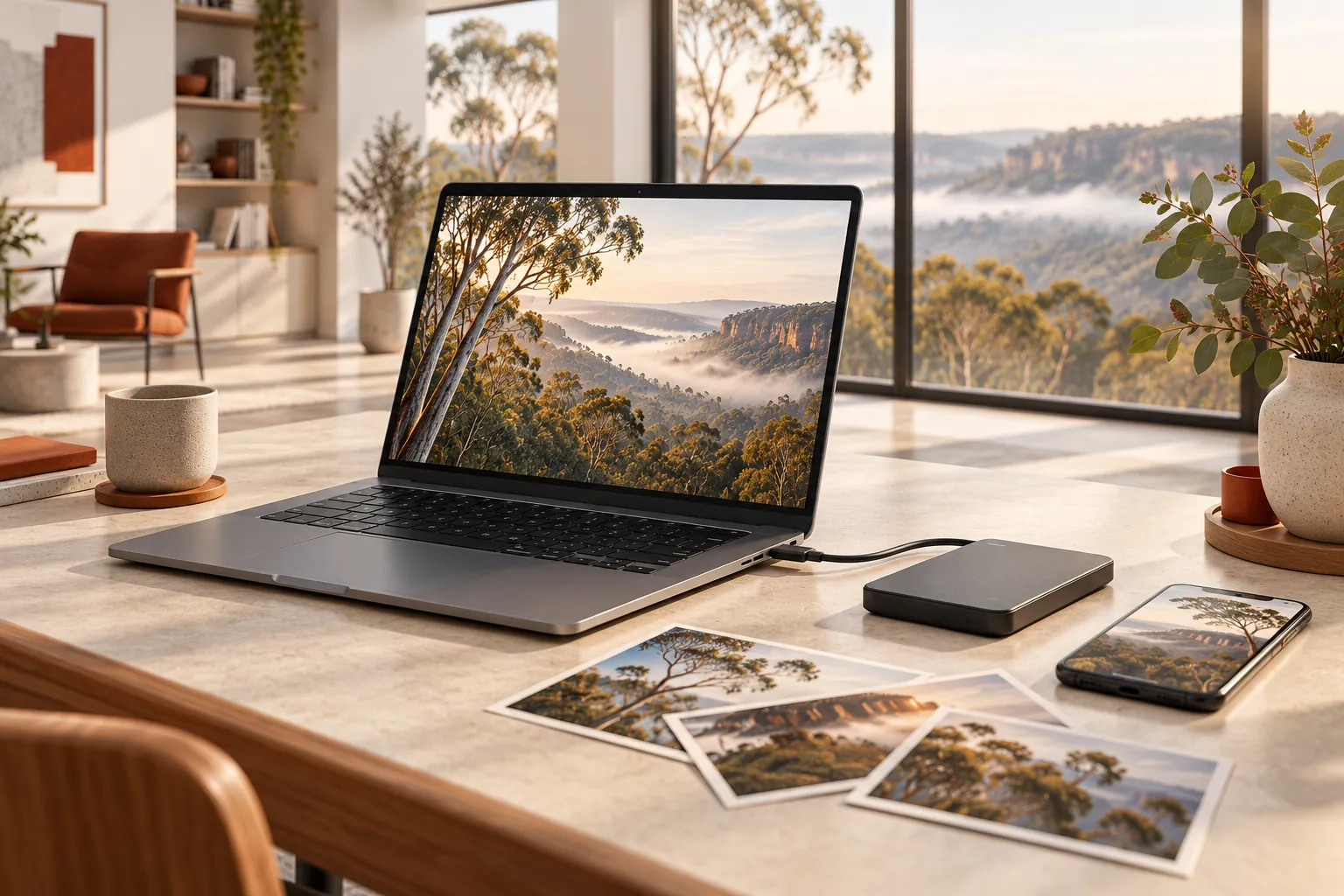
Practical help, clearly explained
Identify the photos, documents, contacts and other information you want to protect or move, and check where it is currently stored.
Discuss external-drive and cloud options, costs, access and a sensible schedule, then configure the agreed approach.
Help transfer accessible data to a compatible device and check a sample together before any agreed cleanup.
Before we talk
Share what you know. You do not need to diagnose the problem yourself.
Not always. Compatibility, account access, licences, storage and device condition affect what can be transferred. We discuss limits first.
We can discuss the symptoms and appropriate next steps. Stop using a failing drive when important data may be at risk; specialist recovery may be needed, and results cannot be guaranteed.
Only if you authorise the specific deletion after discussing the risks and checking your new copy or backup.
More ways we can help
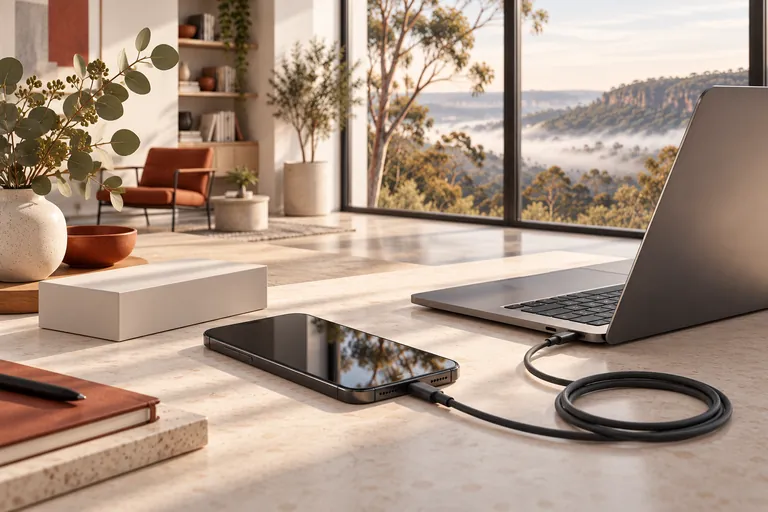
Moving to a new phone or tablet? Get help with the setup, accounts and data you use every day.
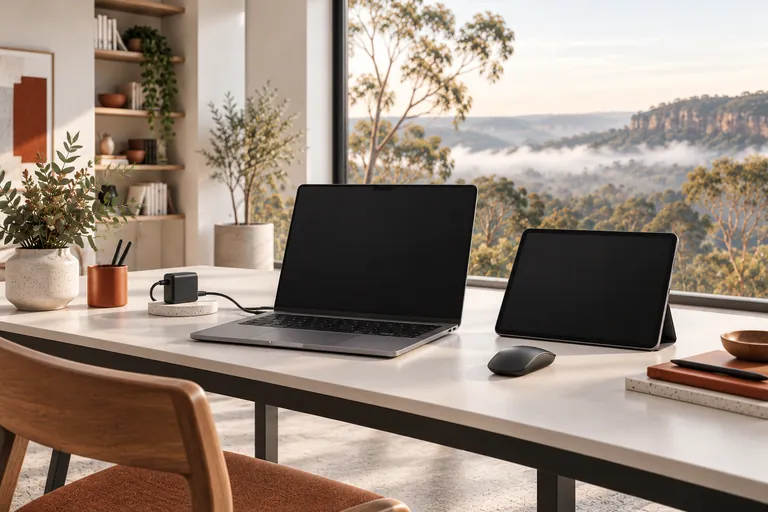
From a new laptop to a printer that will not connect, get practical help with the devices you use every day.

Understand your options and make thoughtful changes to your devices and accounts without making them harder to use.
A straightforward next step
We will talk through the problem, the options and the cost before agreeing to work.